
Free Online Course Platform Finder
Answer a few questions to find the best free or low-cost platform for your first online course.
Select your preferences and click "Find My Platform" to see recommendations.
You have expertise. You have students waiting (or will soon). But the idea of spending hundreds on software or hiring a video editor stops you cold. Here is the truth: you do not need a budget to launch a profitable or impactful online course. The barrier isn't money; it's knowing which free tools actually work and how to stitch them together without losing your mind.
I've helped dozens of creators in Manchester and beyond get their first course live without spending a penny on subscriptions. The key is leveraging the right combination of recording software, hosting platforms, and marketing channels that offer robust free tiers. This guide cuts through the noise. We aren't talking about theoretical possibilities; we are talking about the exact stack I use when I want to test an idea before committing cash.
The Core Concept: What Counts as "Free"?
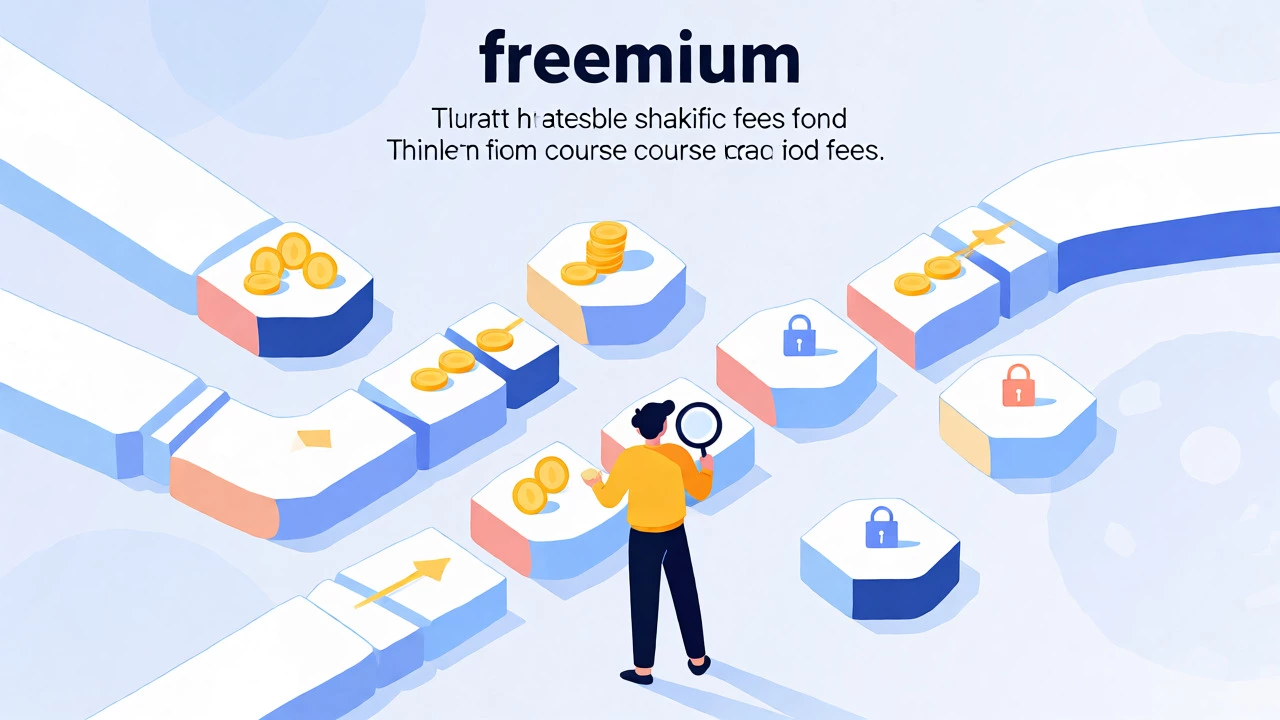
Before we pick tools, let's define what "free" means here. Most "free" platforms operate on a freemium model. They give you basic features but take a cut of your sales, limit your bandwidth, or slap their logo on your videos. For a beginner, this is perfectly fine. In fact, it's often better because it forces you to focus on content quality rather than pixel-perfect branding.
Your goal with a free setup is validation. You want to see if people will watch, engage, and pay. If they do, you can upgrade later. If they don't, you haven't lost $500 on a monthly subscription you never used. Keep this mindset: start lean, stay lean, and only spend when revenue justifies it.
Step 1: Choose Your Platform (The Host)
This is the biggest decision. Your platform hosts your videos, manages student accounts, and handles payments. Several options offer genuinely usable free plans.
| Platform | Best For | Free Plan Limits | Transaction Fees |
|---|---|---|---|
| Teachable | Simplicity & Speed | Up to 10 courses, 1 instructor | 5% + Stripe/PayPal fees |
| Thinkific | Customization | Up to 3 courses, limited quizzes | 0% (but Stripe/PayPal fees apply) |
| Kajabi | All-in-One Marketing | No permanent free plan (14-day trial) | N/A (Paid only) |
| Moodle | Academic/Non-Profit | Unlimited (if self-hosted) | Hosting costs only |
For most solo creators, Teachable or Thinkific are the go-to choices. Teachable is easier to set up; Thinkific gives you more control over the look and feel. If you are technically inclined, Moodle is powerful but requires you to find your own web host, which might cost $5-$10/month. That's still cheap, but not "free" in the strictest sense.
Step 2: Record and Edit Without Breaking the Bank
You don't need a studio. You need light and sound. Your smartphone camera is likely better than most webcams. If you are using a computer, OBS Studio is the industry standard for free screen recording. It’s open-source, powerful, and works on Windows, Mac, and Linux.
Editing is where many beginners stall. Don't buy Adobe Premiere Pro yet. Use DaVinci Resolve. The free version is incredibly robust, offering professional-grade color correction and audio mixing. Yes, there is a learning curve. But if you watch one tutorial on "basic cuts," you'll be able to trim silences and add titles in under an hour.
- Lighting: Sit facing a window. Natural light is free and flattering.
- Audio: Use a quiet room. A $20 lavalier mic makes a bigger difference than a $500 camera.
- Scripting: Bullet points beat word-for-word scripts. They keep you natural.
Step 3: Structure Your Curriculum
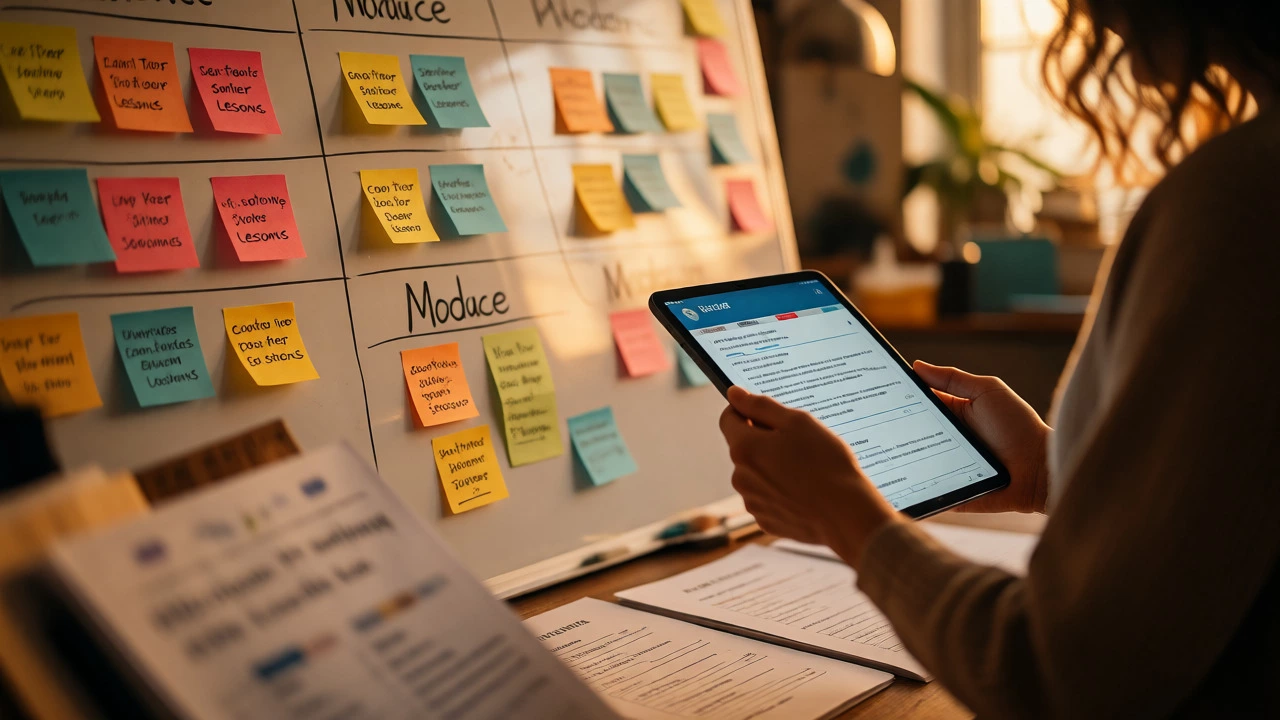
A common mistake is dumping all knowledge into one long video. Students drop off. Break your content into modules and lessons. Each lesson should solve one specific problem.
For example, if you're teaching photography, don't make a module called "Basics." Make modules like "Understanding Aperture," "Shutter Speed Control," and "ISO Noise Management." Each lesson should be 5-10 minutes long. Shorter is better. It keeps engagement high and makes production easier.
Use a simple outline tool like Notion or Google Docs to map this out. Start with the end result: what can the student do after finishing? Work backward from there.
Step 4: Add Value with Free Resources
Videos are great, but worksheets, checklists, and templates drive completion rates. You can create these easily.
Canva offers a free tier that lets you design beautiful PDFs. Use it to create cheat sheets or workbook pages. Export them as PDFs and upload them to your course platform. These resources cost nothing but time, yet they significantly increase perceived value.
Another trick: use YouTube for unlisted videos. If your course platform limits video storage, upload private/unlisted videos to YouTube and embed them. This saves space and leverages YouTube's reliable streaming infrastructure.
Step 5: Market Your Course for Zero Cost
Building the course is half the battle. Selling it is the other half. You don't need paid ads. You need an audience.
Leverage social media platforms where your niche hangs out. LinkedIn is excellent for B2B or professional skills. Instagram and TikTok work well for creative fields. Post short clips from your course-teasers that solve small problems. Link to your landing page in your bio.
Email is your best friend. Collect emails even before you launch. Offer a free mini-course or a lead magnet (like a checklist) in exchange for sign-ups. Mailchimp and Brevo offer free tiers for up to 500-1,000 subscribers. Send weekly tips, not just sales pitches.
Pitfalls to Avoid
Don't over-engineer. Many creators spend months tweaking logos and fonts while producing zero content. Launch with what you have. Perfection is procrastination in disguise.
Also, ignore the urge to record everything in one sitting. Batch record. Do all intros on Monday, main content on Tuesday, outros on Wednesday. It reduces context switching and mental fatigue.
Finally, read the terms of service of your chosen platform. Some change their free tier policies frequently. Have a backup plan. If Teachable changes its fee structure, know how to export your content to another platform quickly.
Next Steps
Start today. Pick one topic you know inside out. Outline three lessons. Record the first one with your phone. Upload it to a free account on Teachable or Thinkific. Share it with five friends. Ask for feedback. Iterate. That's it. You've created a course. Now refine it based on real user reactions, not your guesses.
Can I really sell a course without paying any upfront fees?
Yes, but be aware of transaction fees. Platforms like Teachable take a percentage of each sale on their free plan. Additionally, payment processors like Stripe or PayPal charge around 2.9% + 30¢ per transaction. So while you don't pay a monthly subscription, you do share revenue until you upgrade.
What if my video files are too large for the free plan?
Most free plans have storage limits. Compress your videos using Handbrake (free software) before uploading. Alternatively, host videos on YouTube as unlisted and embed them in your course platform. This bypasses storage limits entirely.
Do I need a professional microphone?
Not necessarily, but bad audio ruins good content. A cheap USB microphone ($20-$30) or even a decent smartphone headset mic is far better than built-in laptop mics. Prioritize audio quality over video resolution.
How long does it take to create a free online course?
For a beginner creating a mini-course (3-5 hours of content), expect 2-4 weeks part-time. This includes planning, recording, editing, and setting up the platform. Rushing leads to poor quality; dragging leads to burnout.
Is Moodle really free?
Moodle software is free and open-source. However, you must host it yourself. This requires a web server, which typically costs $5-$15/month unless you have existing infrastructure. It also requires technical maintenance, so it's less "turnkey" than SaaS platforms.