SCORM Version Comparison Tool
Which SCORM version should you use?
This tool helps you determine the best SCORM version for your e-learning needs based on required features.
Select your requirements
Core Functionality
Advanced Features
Ever opened an online course and wondered why it works on one platform but breaks on another? The answer often lies in something called SCORM. It’s not a fancy app or a new tool-you won’t find it in your app store. But if you’ve ever taken an online course through a company, school, or training program, SCORM is probably the invisible hand making sure your progress saves, your quiz scores track, and your certificate pops up at the end.
What SCORM actually stands for
SCORM stands for Sharable Content Object Reference Model. That’s a mouthful, but it’s just a fancy way of saying: a set of rules that lets online learning content talk to learning systems. Think of it like USB cables-different devices can connect because they follow the same physical and electrical standards. SCORM does the same thing for e-learning content and learning management systems (LMS).
It was created in the late 1990s by the U.S. Department of Defense to fix a big problem: every training course was built differently. If you wanted to move a course from one system to another, you had to rebuild it from scratch. That cost time, money, and effort. SCORM solved that by creating a common language. Now, if a course is SCORM-compliant, it can plug into any LMS that supports SCORM-no extra coding needed.
How SCORM works in practice
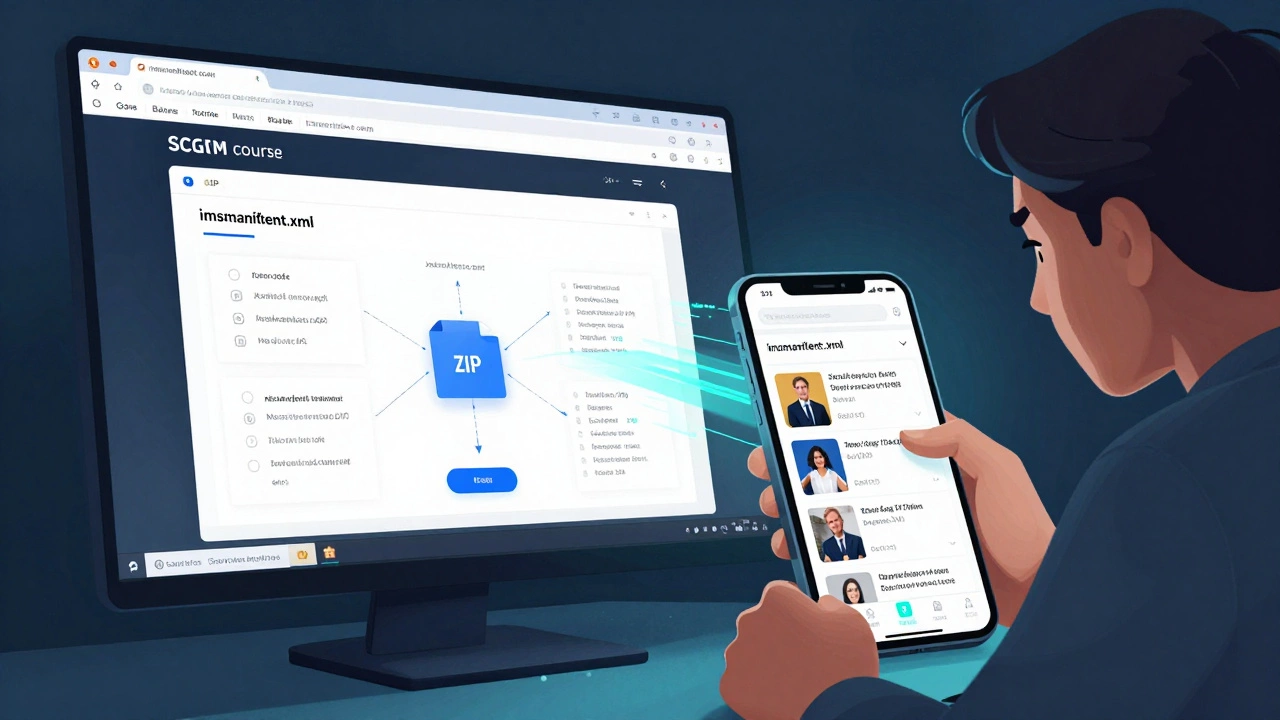
When you take a SCORM course, you’re not just watching videos or reading text. The content is packaged as a ZIP file with a special manifest file called imsmanifest.xml. This file tells the LMS: what’s inside, how to launch it, where to track your progress, and how to report your score.
Here’s how it plays out:
- You click on a course in your company’s training portal.
- The LMS loads the SCORM package, reads the manifest, and launches the content in a window.
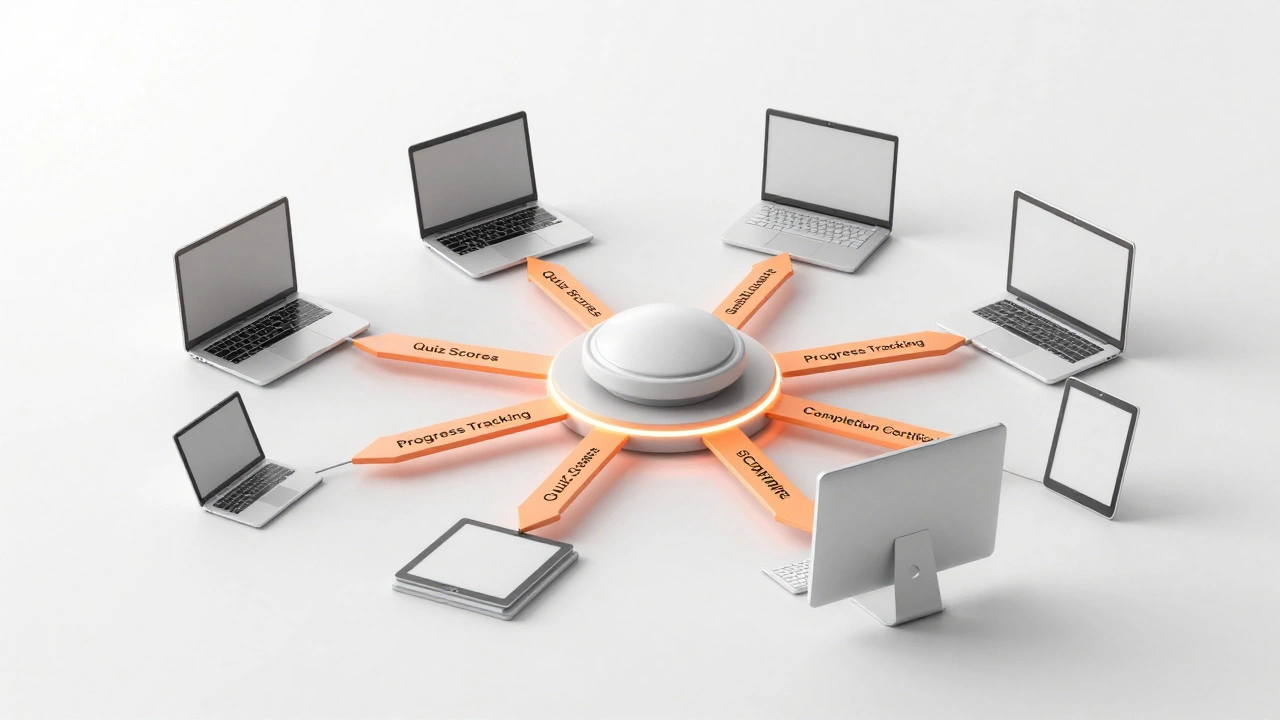
- As you answer quiz questions or click through modules, the content sends data back to the LMS-like ‘I completed Module 3’ or ‘I scored 85% on the test’.
- The LMS stores that data, so your manager can see your progress later.
- If you log out and come back tomorrow, the course remembers where you left off.
This back-and-forth communication is called the SCORM API. It’s a JavaScript interface that lets the content and the LMS exchange information in real time. Without it, your progress would vanish every time you closed the browser.
SCORM versions: 1.2 vs 2004
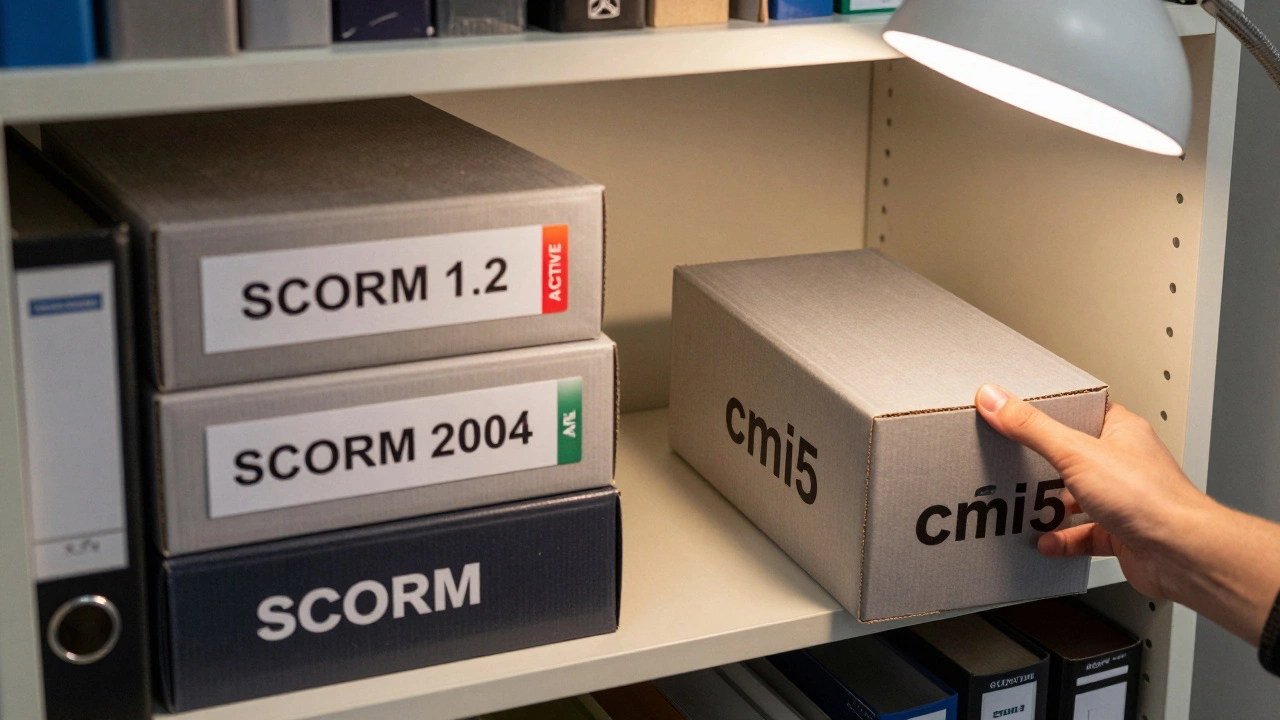
Not all SCORM is the same. There are two main versions: SCORM 1.2 and SCORM 2004. Most courses you’ll run into today are still SCORM 1.2. It’s simple, reliable, and widely supported.
SCORM 2004 added more advanced features:
- Sequencing and navigation-letting the system decide what lesson comes next based on your performance.
- Adaptive learning paths-so if you fail a quiz, the system might send you back to review material before moving on.
- More detailed tracking-like time spent on each page, number of attempts, and even interactions with buttons or simulations.
But here’s the catch: not all LMS platforms support SCORM 2004 fully. Many still stick with 1.2 because it’s easier to implement and works well enough for most training needs. If you’re building a course, SCORM 1.2 is usually the safer bet unless you need advanced branching or complex rules.
Why SCORM still matters in 2025
You might think, with all the new tech-xAPI, cmi5, HTML5, cloud-based platforms-SCORM is outdated. But it’s not dead. In fact, it’s still the backbone of corporate training, government programs, and higher education courses worldwide.
Why? Because it’s proven. Millions of courses already exist in SCORM format. Replacing them all would cost companies millions. And for many organizations, SCORM does exactly what they need: track completion, store scores, and report results.
Even platforms like Moodle, Canvas, and TalentLMS still support SCORM as a core feature. If you’re buying a pre-built course from a vendor-say, a compliance training module on workplace safety-it’s almost certainly delivered as a SCORM package.
It’s like fax machines. No one loves them, but if your insurance provider still requires them, you’ve got to use one.
What SCORM can’t do
SCORM isn’t perfect. It has limits. For example:
- It can’t track learning that happens outside the LMS-like watching a YouTube video, reading a PDF, or attending a live workshop.
- It doesn’t handle mobile apps well. SCORM was designed for desktop browsers, and mobile support is clunky.
- It can’t capture rich interactions-like how someone uses a virtual simulation, talks to a chatbot, or collaborates in a group project.
That’s why newer standards like xAPI (Experience API) and cmi5 are gaining ground. They let you track learning across apps, devices, and even real-world activities. But they’re more complex to set up and aren’t yet as universally supported as SCORM.
How to tell if a course is SCORM
If you’re not sure whether a course uses SCORM, here’s how to check:
- Download the course file (if you can). If it’s a .zip file, open it.
- Look for a file named imsmanifest.xml. If it’s there, it’s SCORM.
- Open the file in a text editor. If you see tags like
<organization>,<resource>, or<adlcp:scormtype>, it’s definitely SCORM 1.2 or 2004.
Some LMS platforms also show a label like ‘SCORM Package’ next to the course title. If you’re uploading content and the system asks you to choose a format, SCORM will be one of the options.
Should you use SCORM today?
If you’re an LMS administrator or training manager: yes, keep supporting SCORM. It’s still the most common format in use. Don’t ignore it.
If you’re building a new course:
- Use SCORM 1.2 if you want wide compatibility and simple tracking.
- Consider cmi5 if you’re building for mobile, need advanced tracking, or plan to integrate with other systems.
- Avoid SCORM 2004 unless you specifically need its sequencing features-most LMSes don’t use them well anyway.
If you’re a learner: you don’t need to worry about it. Just focus on the content. SCORM is working behind the scenes to make sure your progress isn’t lost.
What comes after SCORM?
The future of e-learning is more flexible. Standards like xAPI and cmi5 let you track learning anywhere-not just inside an LMS. You can track a nurse practicing a procedure on a simulator, a sales rep using a mobile app to review product info, or a student discussing a topic on Slack.
But SCORM isn’t going away anytime soon. It’s like the internal combustion engine-old, yes, but still powering most of the world’s vehicles. Until something simpler, cheaper, and just as reliable replaces it, SCORM will keep running.
For now, knowing what SCORM is-and how it works-gives you a real advantage. Whether you’re choosing an LMS, buying courses, or managing training programs, understanding SCORM helps you avoid costly mistakes and pick the right tools.
Is SCORM still used in 2025?
Yes, SCORM is still widely used in 2025, especially in corporate training, government agencies, and higher education. Millions of existing courses are built in SCORM format, and most major LMS platforms continue to support it for backward compatibility. While newer standards exist, SCORM remains the most common format for delivering structured online learning.
What’s the difference between SCORM 1.2 and SCORM 2004?
SCORM 1.2 is simpler and focuses on tracking basic data like completion status and test scores. SCORM 2004 adds advanced features like sequencing-where the system decides what content to show next based on your performance-and more detailed interaction tracking. However, SCORM 2004 is more complex to implement, and many LMS platforms don’t fully support its advanced features, making SCORM 1.2 the more practical choice for most users.
Can SCORM courses work on mobile devices?
SCORM courses can work on mobile devices, but not always well. SCORM was designed for desktop browsers, and many mobile browsers struggle with the JavaScript API or loading large packages. Some LMS platforms optimize SCORM for mobile, but performance can be inconsistent. For better mobile experiences, newer standards like cmi5 are recommended.
Do I need to know how to code to use SCORM?
No, you don’t need to code to use SCORM. Most e-learning authoring tools-like Articulate Storyline, Adobe Captivate, and Lectora-let you build SCORM packages with drag-and-drop interfaces. You just design your course, click ‘Export as SCORM’, and upload it to your LMS. Coding is only needed if you’re building custom SCORM content from scratch.
What are the alternatives to SCORM?
The main alternatives are xAPI (Experience API) and cmi5. xAPI tracks learning across apps, devices, and real-world activities-like watching a video on YouTube or attending a workshop. cmi5 is a newer standard built on xAPI that’s designed specifically for LMS integration. Both offer more flexibility than SCORM but require more setup and aren’t yet as universally supported.