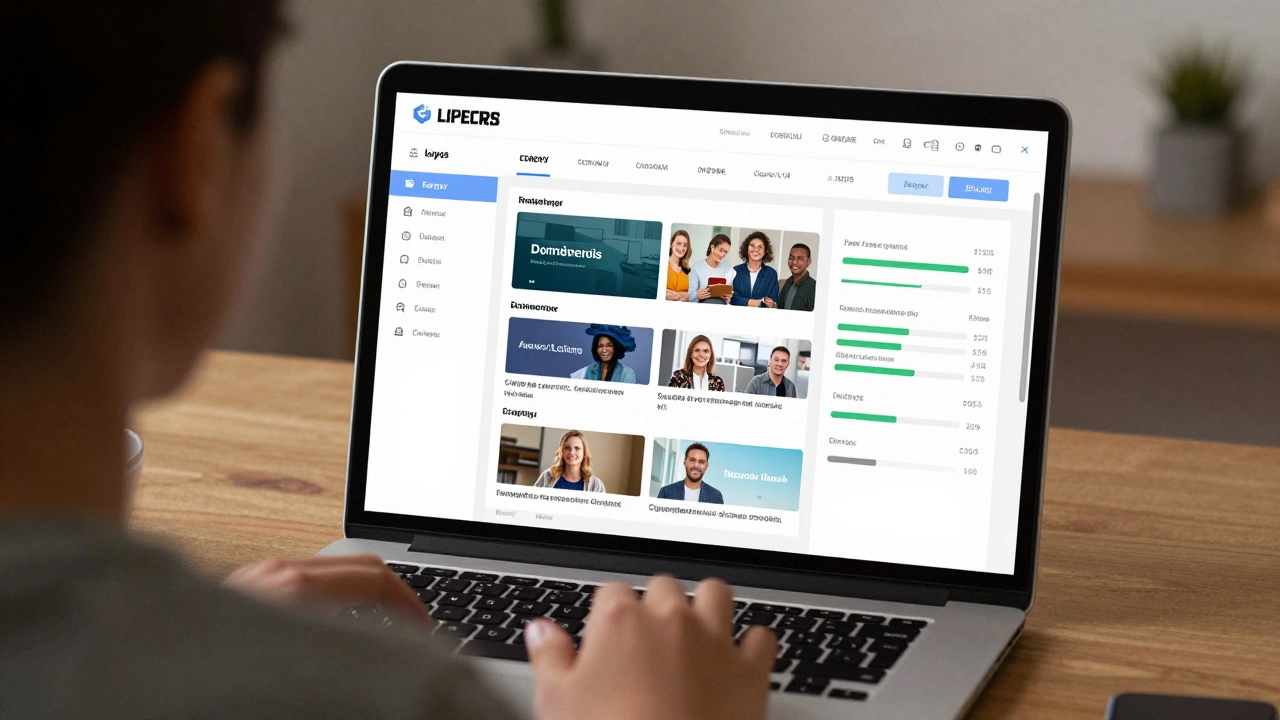
LMS Platform Comparison Tool
Find Your Perfect LMS Match
Answer a few questions to get personalized recommendations for the best Learning Management System for your needs.
If you’ve ever taken an online course, watched a video lecture, or submitted homework through a website, you’ve probably used an LMS. But what does LMS actually stand for? It’s short for Learning Management System. It’s not fancy software or a secret tool-just the backbone of almost every online class you’ve ever taken.
What Is a Learning Management System?
A Learning Management System is a software platform that helps schools, companies, and training programs deliver, track, and manage online learning. Think of it like a digital classroom. Instead of walking into a physical room with desks and a whiteboard, you log in to a website or app where all your lessons, assignments, quizzes, and grades live.It’s not just about watching videos. A real LMS lets instructors upload materials, set deadlines, send reminders, grade assignments automatically, and see who’s falling behind. For students, it’s where you check your progress, download handouts, take tests, and talk to classmates.
Companies use LMS platforms to train employees. Universities use them to run hybrid classes. Even small online tutors use basic LMS tools to manage their students. You don’t need to be a tech expert to use one-most are built to be simple, even for people who aren’t comfortable with computers.
How Does an LMS Work?
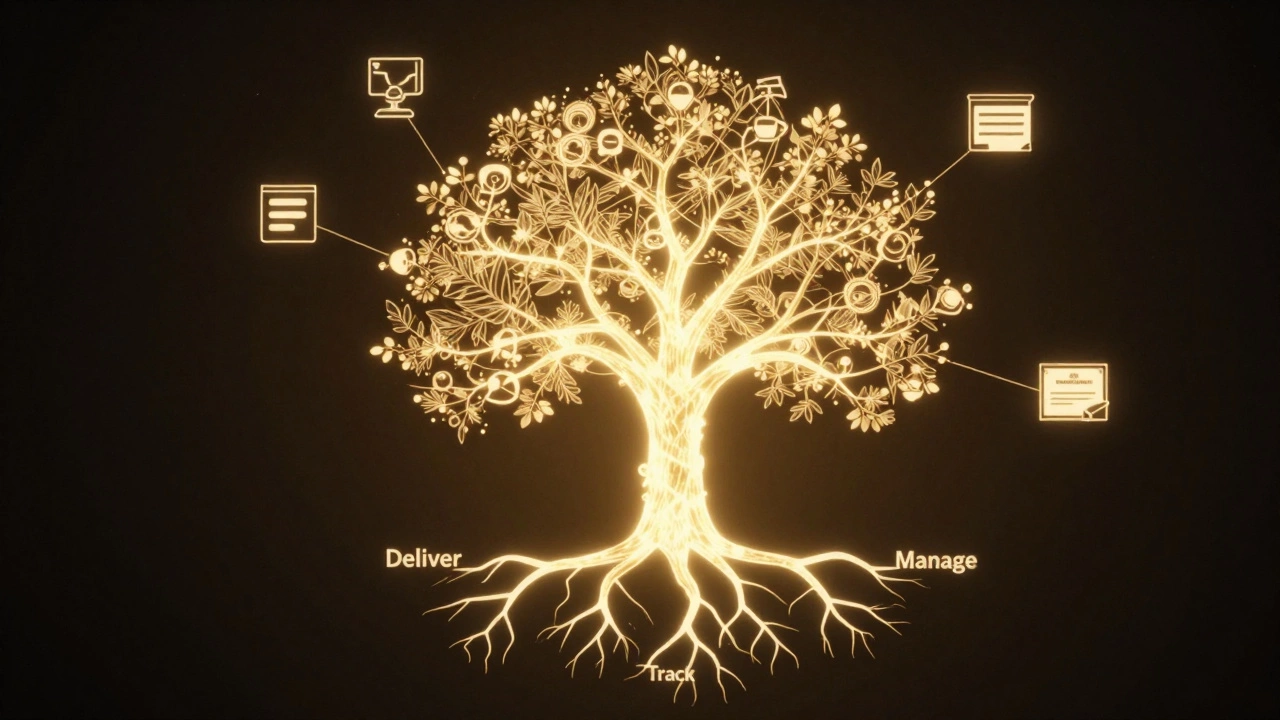
An LMS works in three basic steps: deliver, track, and manage.- Deliver: Instructors upload content-videos, PDFs, quizzes, live sessions-and organize them into courses. Students log in and access everything in one place.
- Track: The system records everything: who watched which video, how long they spent on a lesson, what score they got on a quiz, when they turned in an assignment.
- Manage: Teachers and admins use dashboards to see who’s active, who’s struggling, and who needs help. They can send automated messages, unlock new lessons, or adjust deadlines.
Some LMS platforms even use simple AI to suggest extra practice material if a student keeps missing the same type of question. Others let students chat in forums or join group projects inside the system.
Common Examples of LMS Platforms
You might not know the names, but you’ve likely used one. Here are a few popular ones:- Moodle - Open-source, used by universities and public schools worldwide. Free to use, but needs tech setup.
- Canvas - Popular in U.S. colleges. Clean design, easy to use, integrates with tools like Google Drive and Zoom.
- Blackboard - Used by many large universities. Older but still common in higher education.
- Google Classroom - Simple, free, and built into Google Workspace. Great for K-12 schools and small classes.
- Coursera and Udemy - These are course marketplaces, but they also include LMS features like progress tracking and certificates.
Each one has strengths. Moodle gives you full control but needs someone to maintain it. Canvas is polished and user-friendly. Google Classroom is the easiest to start with-but only works if you already use Google tools.
Why LMS Matters in Modern Education
Before LMS platforms, online learning was messy. Students got emails with links to random videos. Teachers had to track attendance manually. Assignments were sent as attachments. Feedback took days.LMS fixed that. It brought everything into one place. Now, a student in rural Kenya can take the same biology course as someone in Tokyo. A company in Germany can train 500 employees across five countries without flying anyone in.
During the pandemic, LMS platforms became essential. Schools that had them already kept teaching. Those that didn’t scrambled to catch up. That’s when millions of people first realized: this isn’t just a trend-it’s the new normal.
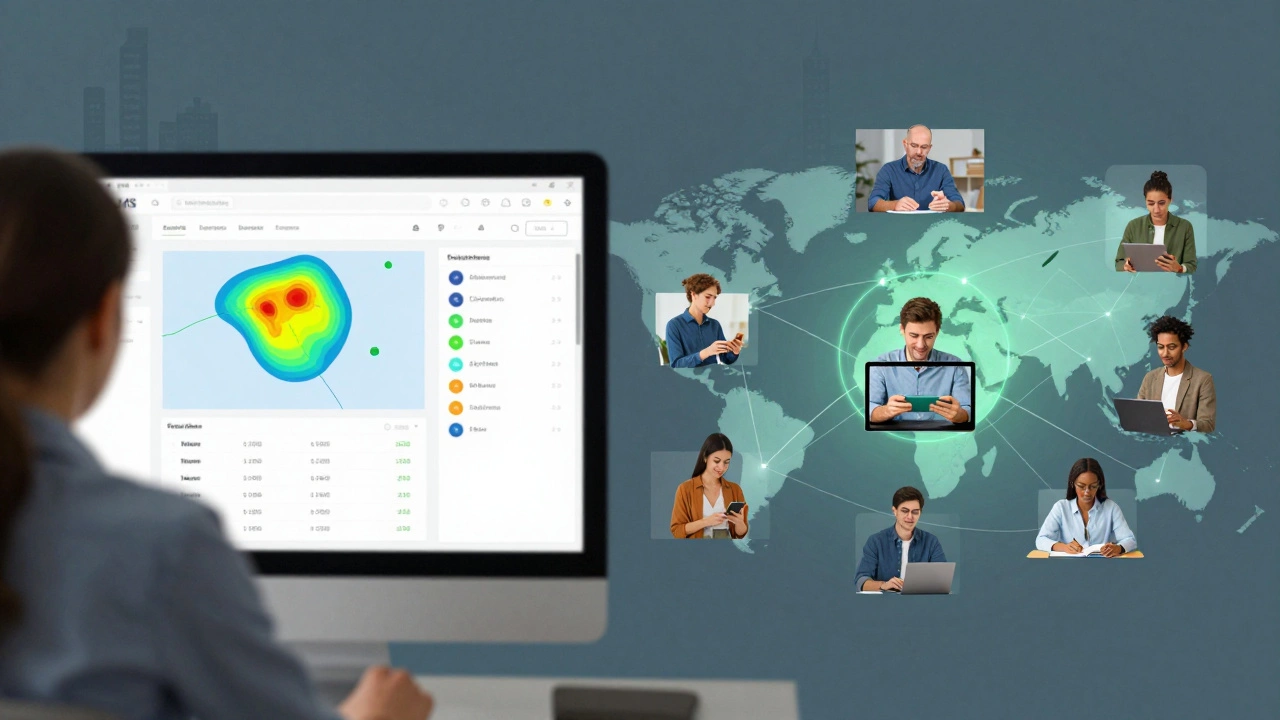
What to Look for in an LMS
If you’re choosing an LMS-for your school, business, or personal use-here’s what actually matters:- Easy to use - If students or employees can’t figure it out in five minutes, it’s not right.
- Works on phones - Most people learn on their phones now. The platform must load fast and look good on small screens.
- Tracks progress - You need to see who’s done what, without digging through files.
- Supports quizzes and assignments - Automatic grading saves hours. Manual grading should still be possible when needed.
- Integrates with other tools - Does it connect to Zoom, Google Drive, Microsoft Teams, or your payroll system?
- Secure and private - Especially important for schools and healthcare training. Data should be protected.
Don’t get fooled by flashy features. A $10,000 system with 50 tools you’ll never use is worse than a $500 system that does the basics perfectly.
LMS vs. Other Online Learning Tools
People mix up LMS with other platforms. Here’s how they’re different:| Tool Type | What It Does | Example | Is It an LMS? |
|---|---|---|---|
| Learning Management System (LMS) | Manages courses, tracks progress, delivers content, grades assignments | Canvas, Moodle | Yes |
| Course Marketplace | Sells courses made by others. Little control over student progress | Coursera, Udemy | No |
| Video Hosting | Stores and plays videos only | YouTube, Vimeo | No |
| Virtual Classroom | Live video meetings with screen sharing | Zoom, Google Meet | No |
| Learning Experience Platform (LXP) | Curates content from many sources. More like a recommendation engine | Degreed, EdCast | No |
Think of it this way: an LMS is the entire classroom. A video platform is just the projector. A course marketplace is the bookstore. You need the classroom to make learning happen.
Who Uses LMS Platforms Today?
LMS isn’t just for schools. Here’s who relies on them:- Universities - 87% of U.S. colleges use an LMS for at least some of their courses (National Center for Education Statistics, 2024).
- Corporate Training - 70% of Fortune 500 companies use LMS to train employees on compliance, safety, and software.
- High Schools - Especially in blended learning models, where students split time between in-person and online work.
- Nonprofits and NGOs - Train volunteers and field workers in remote areas.
- Healthcare Providers - Train nurses and doctors on new procedures, regulations, and software.
The growth is real. The global LMS market is expected to hit $40 billion by 2027. That’s not because people love technology-it’s because it works. It saves time. It scales. It’s fairer.
Common Misconceptions About LMS
There are a few myths floating around:- Myth: LMS is only for big institutions. Truth: Free tools like Google Classroom let one teacher manage 30 students with zero cost.
- Myth: You need to code to use an LMS. Truth: Most require zero coding. Drag-and-drop builders are standard.
- Myth: LMS replaces teachers. Truth: It frees teachers from paperwork so they can focus on helping students.
- Myth: All LMS platforms are the same. Truth: Some are built for universities. Others for sales teams. Choosing the wrong one causes frustration.
What’s Next for LMS?
The next wave of LMS tools is smarter. They’re starting to:- Use AI to predict which students are at risk of dropping out.
- Recommend personalized learning paths based on past performance.
- Integrate with wearables to track engagement (like attention levels during video lessons).
- Offer offline access so learners in low-bandwidth areas can still download content.
But the core hasn’t changed. It’s still about giving learners access, giving teachers control, and making learning measurable.
What does LMS stand for?
LMS stands for Learning Management System. It’s a software platform used to deliver, track, and manage online learning content and activities.
Is Google Classroom an LMS?
Yes, Google Classroom is a simplified LMS. It lets teachers create assignments, share materials, collect work, and give feedback-all in one place. It’s not as feature-rich as Canvas or Moodle, but it’s perfect for K-12 and small-scale use.
Can I use an LMS for free?
Yes. Moodle and Google Classroom are free to use. Moodle requires hosting (you can get it for free on some servers), while Google Classroom works with a free Google account. Paid versions offer more features like advanced reporting, integrations, and support.
What’s the difference between LMS and LXP?
An LMS is structured: it follows a course syllabus, assigns tasks, and tracks completion. An LXP (Learning Experience Platform) is more like Netflix for learning-it recommends content based on your interests and past activity. LXP doesn’t enforce structure; LMS does.
Do I need an LMS to teach online?
You don’t absolutely need one-you could use email, YouTube, and Google Docs. But without an LMS, you’re managing everything manually. It becomes messy fast. An LMS saves time, reduces errors, and gives learners a consistent experience.