
eLearning Platform Cost Calculator
Calculate Your Total Platform Costs
Determine which eLearning platform fits your budget based on your course volume, student growth, and required features.
Your Input
Platform Features
The global eLearning market is projected to hit $1.1 trillion by 2026. Starting your own platform isn't as hard as it seems-you don't need a huge budget or technical skills. Here's exactly how to launch successfully.
Define Your Niche and Audience
You can't teach everyone. Start by narrowing down your audience. For example, if you're a former corporate trainer, focus on project management courses for mid-level managers. This specificity helps create targeted content and marketing. A clear niche means solving a specific problem for a specific group. Let's say you're a fitness coach. Instead of teaching general health, specialize in postpartum fitness for new moms. People needing that help will find you faster. A 2025 survey by eLearning Industry showed 72% of successful platforms started with a narrow audience. Don't try to cover every topic-go deep on one.
Choose the Right Platform Technology
Decide between self-hosted solutions like Moodle (free but needs server management) or all-in-one platforms like Teachable that handle everything. If you're not tech-savvy, avoid Moodle. Opt for something like Thinkific which requires zero coding. Here's how they compare:
| Platform | Starting Cost | Ease of Use | Customization | Best For |
|---|---|---|---|---|
| Moodle | Free | High | Advanced | Large institutions |
| Teachable | $49/month | Easy | Moderate | Course creators |
| Thinkific | $59/month | Easy | Moderate | Small businesses |
| Canvas | Custom pricing | Moderate | High | Universities |
| Kajabi | $119/month | Easy | Moderate | Marketing-focused entrepreneurs |
For most beginners, Teachable or Thinkific makes sense. They handle hosting, payments, and security. Moodle is powerful but requires technical knowledge to set up servers and troubleshoot issues. If you're not comfortable with server management, skip it.
Plan Your Course Content
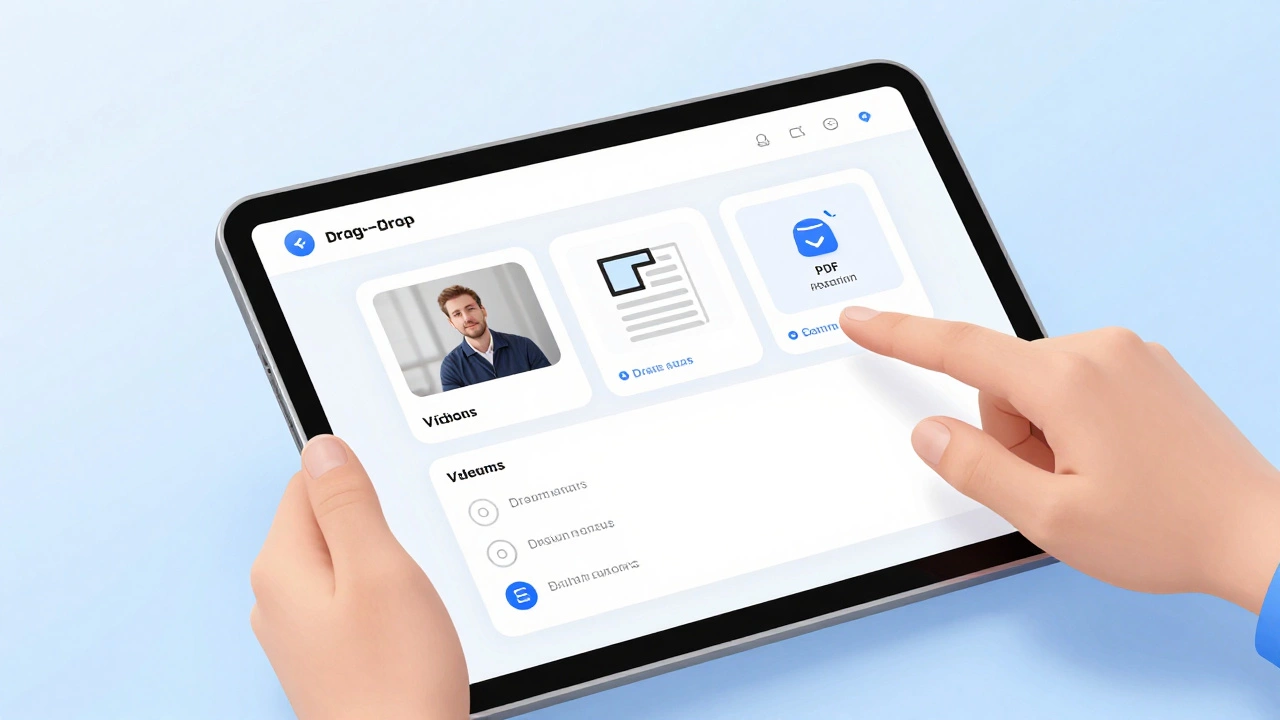
Your first course should be simple. Record a 30-minute video module, add PDF worksheets, and include a quiz. Don't overcomplicate it. Most successful platforms start with one high-quality course before expanding. For example, a nutritionist might create a 5-day meal plan course. Each day has a video, a shopping list PDF, and a quick quiz. This approach builds credibility quickly. Once you have paying students, you can add more courses. Use SCORM standards for course packaging-it ensures compatibility across platforms. A 2026 study by EdTech Magazine found courses using SCORM had 40% higher completion rates.
Set Up Payment and Pricing
Use Stripe or PayPal for payments. They're easy to integrate and trusted by users. Avoid niche payment processors-they'll scare off customers. For pricing, start with a single course at $49-$99. That's a sweet spot where people feel it's worth it but not too expensive. If you're targeting businesses, offer a bulk license for $500. You can always adjust prices later based on feedback. In Manchester, a local coding bootcamp started with $79 courses and scaled to $299 after proving demand. Always offer a 30-day money-back guarantee to reduce buyer risk.

Market Your Platform
Leverage LinkedIn and YouTube. Share free tips related to your course. For example, a financial advisor could post a free 'Budgeting 101' video on YouTube, then link to their paid course. Run targeted Facebook ads to people interested in your niche. A yoga instructor might target users who follow yoga studios or wellness brands. Partner with influencers. Offer them a free course in exchange for a shoutout. This builds trust quickly. A Manchester-based language school grew to 500 students in 3 months by collaborating with travel bloggers on Instagram. Track which channels bring the most sign-ups and focus there.
Launch and Iterate
Start with a beta group. Give 20 people free access to test the platform and gather feedback. Fix bugs before a public launch. For example, a coding platform might let 20 developers try the first course. They'll find issues like broken quizzes or slow video loading. Fix those before opening to the public. After launch, monitor analytics. See which courses get the most engagement and double down on those. In 2025, a UK-based eLearning startup increased retention by 60% by adding live sessions using Zoom based on student feedback. Keep iterating-successful platforms evolve based on real user data.
What's the cheapest way to start an eLearning platform?
The cheapest way is using a free LMS like Moodle, but you'll need to pay for hosting and technical support. However, for most beginners, starting with a platform like Teachable or Thinkific (starting at $49/month) is more cost-effective because they include hosting, payments, and support. This avoids hidden costs like server management fees.
How long does it take to launch?
With the right tools, you can launch in 2-4 weeks. Teachable and Thinkific let you create a course in under a day. The real time sink is content creation-recording videos, writing materials, and testing. Focus on one course first. A Manchester-based teacher launched her first course in 18 days by using pre-made templates and outsourcing video editing.
Do I need technical skills?
No. Platforms like Teachable, Thinkific, and Kajabi are designed for non-technical users. They have drag-and-drop builders and handle all technical aspects. You only need basic computer skills: uploading files, editing text, and managing payments. If you want custom features, you might need a developer, but most beginners skip this entirely.
What's the difference between a platform and a marketplace like Udemy?
A marketplace like Udemy is a shared platform where you sell courses alongside others. You get less control over branding and pricing. With your own platform, you own the brand, set prices, and keep 100% of revenue (minus payment fees). Udemy takes 50% of sales, while a self-hosted platform keeps 85-95% after payment processing. You also build direct relationships with students instead of relying on the marketplace's audience.
How do I attract students without a big budget?
Start with free value. Share short, actionable tips on social media. For example, a photography instructor could post a 60-second Instagram reel on '3 Composition Hacks.' Include a link to your free mini-course in the bio. Partner with micro-influencers (1k-10k followers) who align with your niche-they often accept free courses instead of cash. Join relevant online communities and answer questions without pitching. When people see your expertise, they'll seek out your paid content.