Mobile Learning Strategy Planner
Your Optimal Setup
Select your activity and time to see the best learning approach.
Key Takeaways for Mobile Learners
- Mobile learning is ideal for theoretical knowledge, language acquisition, and quick reviews.
- Complex tasks like deep coding or advanced data analysis still benefit from a larger screen.
- Apps designed specifically for mobile provide a better experience than accessing websites via a mobile browser.
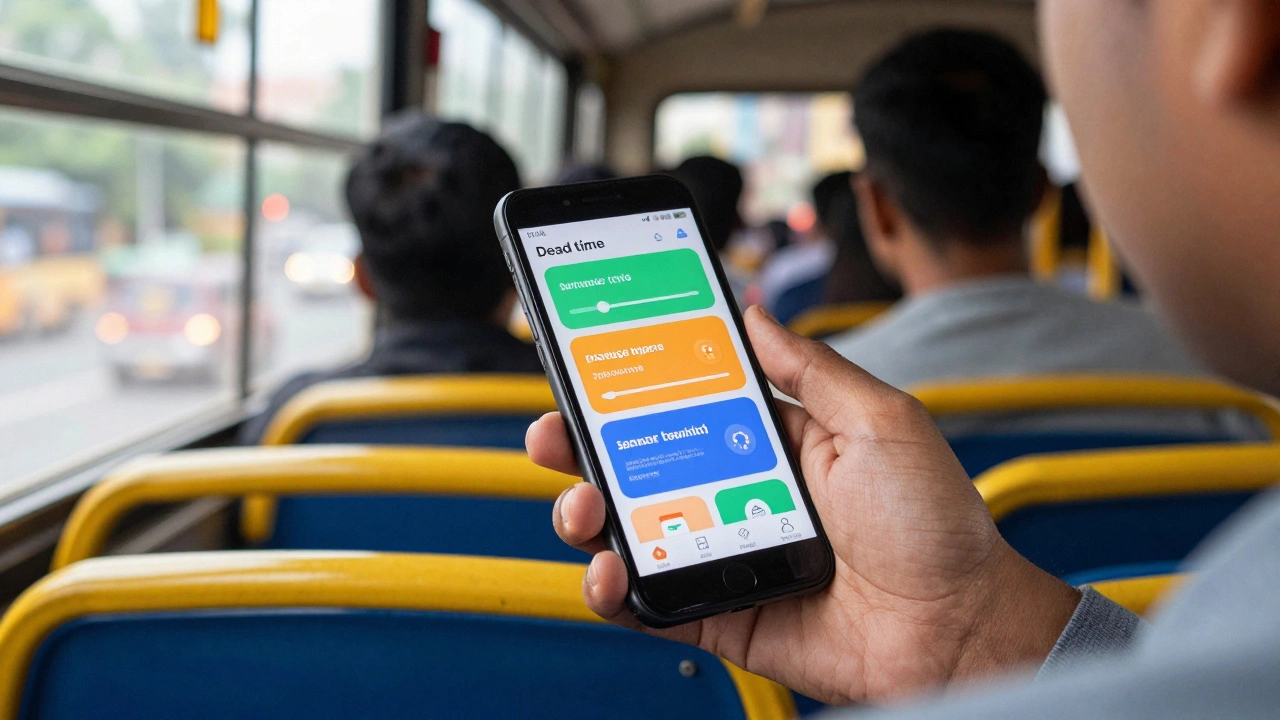
- The key to success is leveraging "dead time"-those small gaps in your day where you'd normally be idle.
The Shift from Desktop to Pocket
For years, the biggest hurdle was the "responsive design' problem. Websites looked terrible on phones, and buttons were too small to click. That changed with the rise of dedicated eLearning Platforms that build native apps. When a company builds a native app, they aren't just shrinking a website; they are utilizing the phone's specific hardware. For example, language apps use the microphone for speech recognition, and fitness courses use the accelerometer to track movement. Think about how you use your phone. You're likely more comfortable with a touch interface than a mouse and keyboard. This tactile experience changes how we interact with information. Swiping through flashcards or tapping on a multiple-choice question feels more like a game and less like a chore. This gamification is a huge reason why people stick with mobile courses longer than they do with long-form video lectures on a PC.What Works Best on a Phone?
Not every subject is a great fit for a 6-inch screen. If you're trying to build a complex architectural model in 3D software, a phone will frustrate you. However, several domains are practically built for mobile delivery.First, there's language learning. Using Duolingo or Babbel is a perfect example. These tools rely on repetition and short exercises. You can do a lesson while waiting in line at the grocery store, which is far more practical than booting up a laptop for a five-minute session.
Then there's professional development. Platforms like LinkedIn Learning or Coursera allow you to download videos for offline use. This is a lifesaver for commuters. Instead of fighting for a spot on the train, you can watch a lecture on leadership or digital marketing without worrying about your data connection.
Finally, flashcard-based learning is where mobile truly shines. Using Anki or Quizlet leverages a technique called Spaced Repetition Systems (SRS). Because your phone is always with you, you can review difficult concepts exactly when the app tells you you're about to forget them, maximizing memory retention.
| Feature | Mobile Learning (mLearning) | Desktop Learning (eLearning) |
|---|---|---|
| Ideal Content | Quizzes, Videos, Vocab, Podcasts | Writing, Coding, Complex Design |
| Session Length | Short (5-20 minutes) | Long (1-4 hours) |
| Accessibility | High (anywhere, anytime) | Moderate (requires setup) |
| Focus Level | Prone to notifications/distraction | Generally higher concentration |
| Input Method | Touch/Voice | Keyboard/Mouse |
Overcoming the Distraction Demon
Let's be honest: your phone is a distraction machine. You open an app to learn about Macroeconomics, and suddenly you're three levels deep into a TikTok rabbit hole. This is the primary reason people struggle with mobile learning. To make it work, you have to change your environment, not just your device. One effective trick is using "Focus Mode" or "Do Not Disturb." By silencing all non-essential notifications, you stop the constant pinging that breaks your flow. Another strategy is the "Study Trigger." Only use your phone for learning in specific locations-like the bus or a specific chair in your house. Over time, your brain associates that physical space with learning, making it easier to focus. Moreover, consider the physical strain. Staring at a small screen for three hours can lead to eye fatigue and "tech neck." The trick is to avoid marathon sessions. Mobile learning is designed for bursts. If you find yourself needing to take extensive notes, that's a signal to switch to a tablet or a laptop. Don't force a long-form academic paper into a mobile experience; it's like trying to eat a steak with a spoon.Choosing the Right Platform
If you're looking for a new place to study, don't just look at the course content; look at the app's user interface (UI). A poor mobile experience can kill your motivation. Look for these specific features before committing:- Offline Mode: Can you download content? If you rely on a patchy 4G or 5G signal, your learning will be interrupted, which breaks your concentration.
- Progress Syncing: Does the app sync instantly with the web version? You should be able to start a lesson on your phone and finish it on your laptop without losing your place.
- Interactive Elements: Does the app offer more than just videos? Look for integrated quizzes, interactive PDFs, and community forums that are easy to navigate on a touch screen.
- Micro-Course Structure: Are the lessons broken down into 5-10 minute segments? If the app only offers 60-minute videos, it's not truly optimized for mobile.

The Hybrid Approach: The Best of Both Worlds
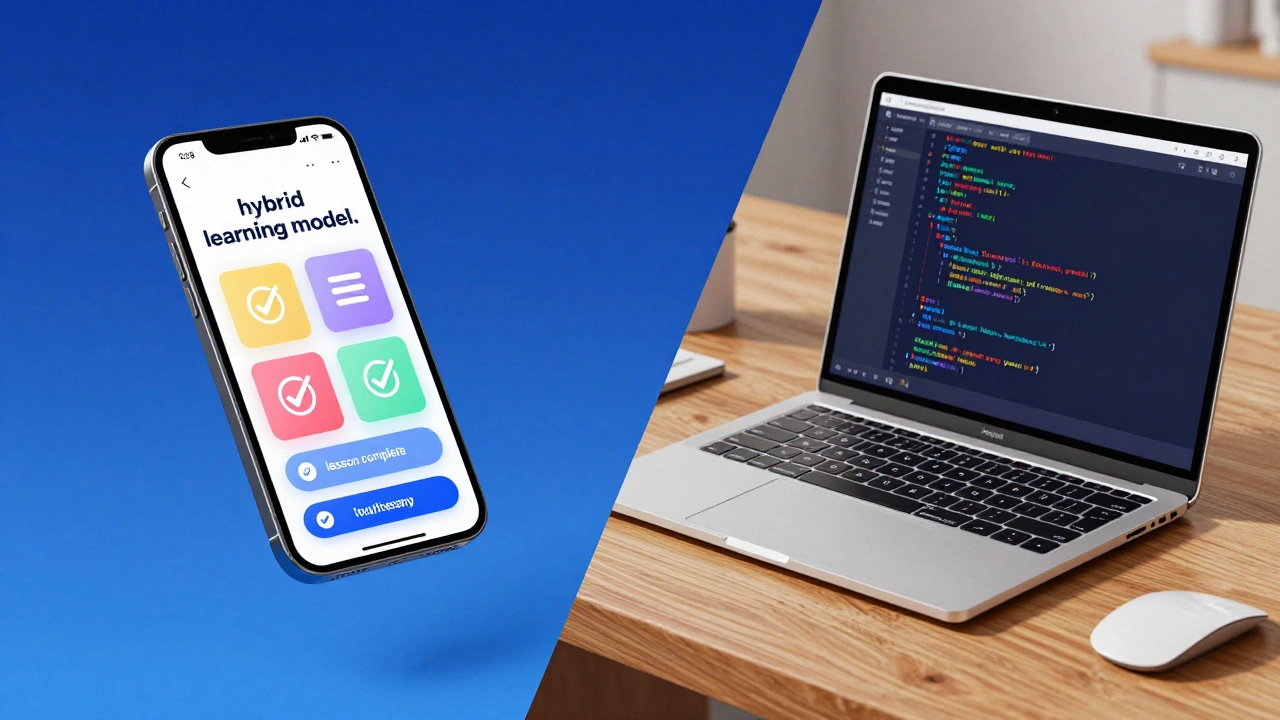
While you *can* do everything on a phone, the most successful learners use a hybrid model. They don't choose between mobile and desktop; they use both for different stages of the learning cycle. Imagine this workflow: you watch a high-level conceptual video on your phone during your morning commute. This primes your brain and introduces the topic. Then, in the evening, you sit down at a computer to do the "heavy lifting"-writing a detailed essay, running a piece of code, or completing a complex simulation. Finally, the next morning, you use your phone to review the key points via flashcards. This approach uses the phone for consumption and reinforcement and the computer for production and application. By dividing your work this way, you prevent burnout and ensure that you're using the best tool for the specific task at hand.Practical Tips for Mobile Study Success
If you're committed to the mobile-only route, a few tweaks can drastically improve your results. First, invest in a decent pair of noise-canceling headphones. This creates a "virtual classroom' regardless of where you are. Second, use a stylus if you have a phone that supports it. Writing notes by hand, even on a screen, has been shown to improve memory retention compared to typing. Also, be mindful of your battery. Learning apps, especially those with video or AR components, drain power quickly. Carrying a small power bank ensures that a dead battery doesn't cut your study session short right when you've hit your stride. Lastly, use your phone's organizational tools. Create a folder on your home screen labeled "Growth" or "Learning" and put all your educational apps there. Removing them from your main screen prevents you from seeing them as just another app and reminds you of your goal every time you open that folder.Is it hard to get a recognized certificate using only a phone?
Not at all. Most major platforms like Coursera or edX issue the same certificate regardless of the device you used to complete the course. The platform tracks your progress and test scores in the cloud, so as long as you pass the requirements, the certificate is identical to one earned on a PC.
Does mobile learning distract me more than traditional studying?
It can, because phones are designed for notifications. However, if you use tools like Focus Mode or dedicated educational apps that block other notifications, you can minimize this. The key is to be intentional about your environment and set strict boundaries for when you're "in class."
Can I learn programming or coding on my phone?
You can learn the logic, syntax, and theory using apps like Mimo or SoloLearn, which provide a simplified coding environment. However, for real-world project development, you'll eventually need a full IDE (Integrated Development Environment) on a computer to handle complex file structures and debugging.
Are mobile courses as expensive as desktop courses?
Usually, they are the same. Most eLearning platforms sell a subscription or a per-course fee that gives you access across all your devices. Whether you log in via a browser or an app, the pricing remains the same.
What are the best apps for mobile learning?
It depends on your goal. For languages, Duolingo and Babbel are leaders. For professional skills and university-level courses, Coursera, Udemy, and LinkedIn Learning are excellent. For memory and facts, Anki and Quizlet are the best tools for spaced repetition.